
Live Activity
End and rate a session from the Lock Screen, and follow an edible onset countdown.
Widgets & Live Activities
Home Screen and Lock Screen widgets, a Live Activity, and quick controls.
Widgets on the Home Screen and Lock Screen show This Week, an active session, Quick Start, and recent sessions. A Live Activity lets you end and rate a session without unlocking, and can count down an edible onset.
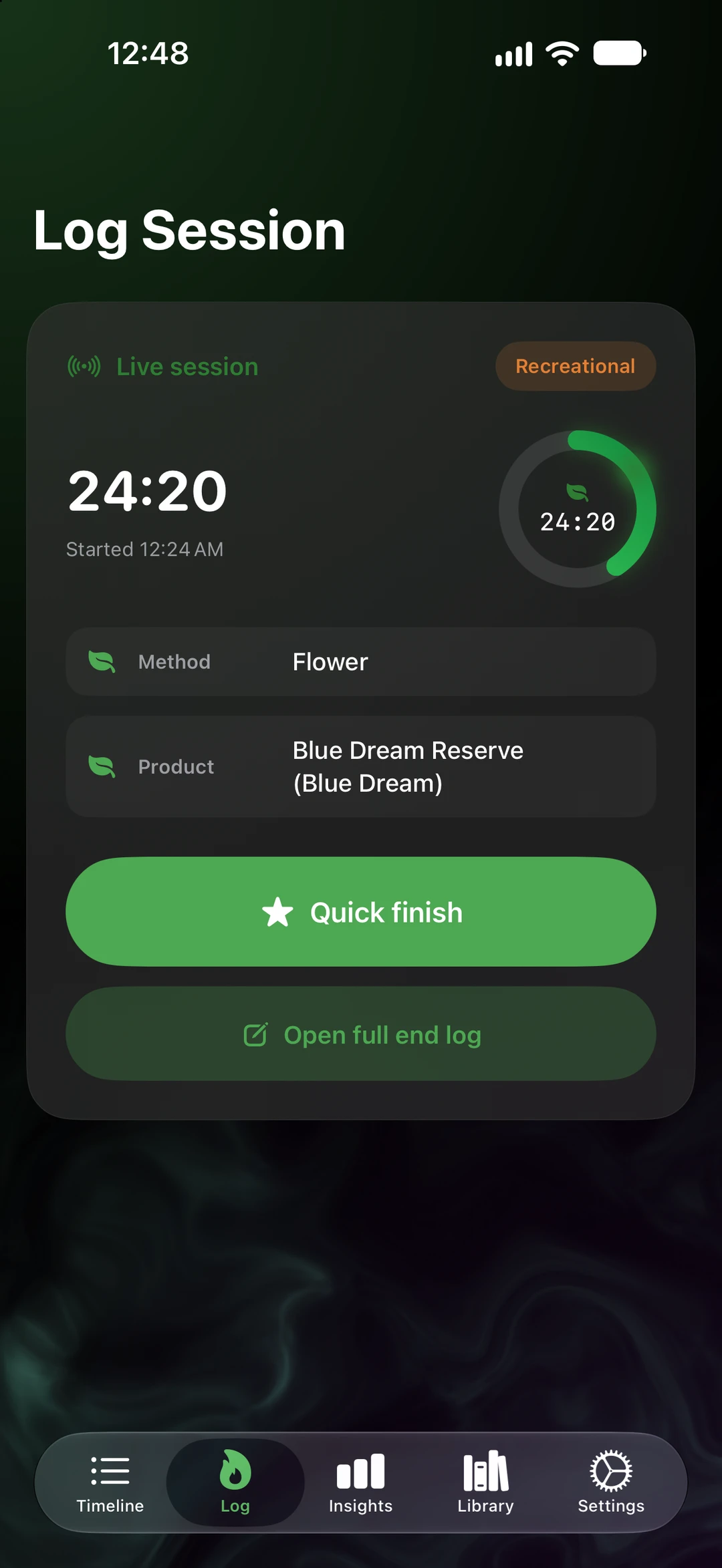
End and rate a session from the Lock Screen, and follow an edible onset countdown.
This Week chart, Active Session, Quick Start, and Recent Sessions.
Open SeshTime or start a session from the Action button or a Control Center control.
Spotlight finds SeshTime. Focus filters let you decide when it shows up.
The details
Everything here stays on your devices and in your own iCloud. There is no SeshTime account and no tracking.
SeshTime’s actions show up in Shortcuts, so you can build the flow that suits you.
Widgets read from the journal on your device. Nothing is fetched from a SeshTime server to draw them.
The actions behind widgets and controls match the Siri phrases in Settings › Siri & Shortcuts.
SeshTime is coming to iPhone, iPad, and Apple Watch. No account to create, nothing to track, and your journal stays in your iCloud.
Not on the App Store yet. This button is a placeholder until the listing is published. App Store ID: APP_STORE_ID_PLACEHOLDER.