
Start and end
One tap starts a session. Another tap ends it.
NFC tags
Stick a tag on your gear. One tap with your iPhone starts a session, and another ends it.
A SeshTime tag is a small NFC sticker for your gear. Write it once. Tap to start a session, tap again to end it. That’s it.
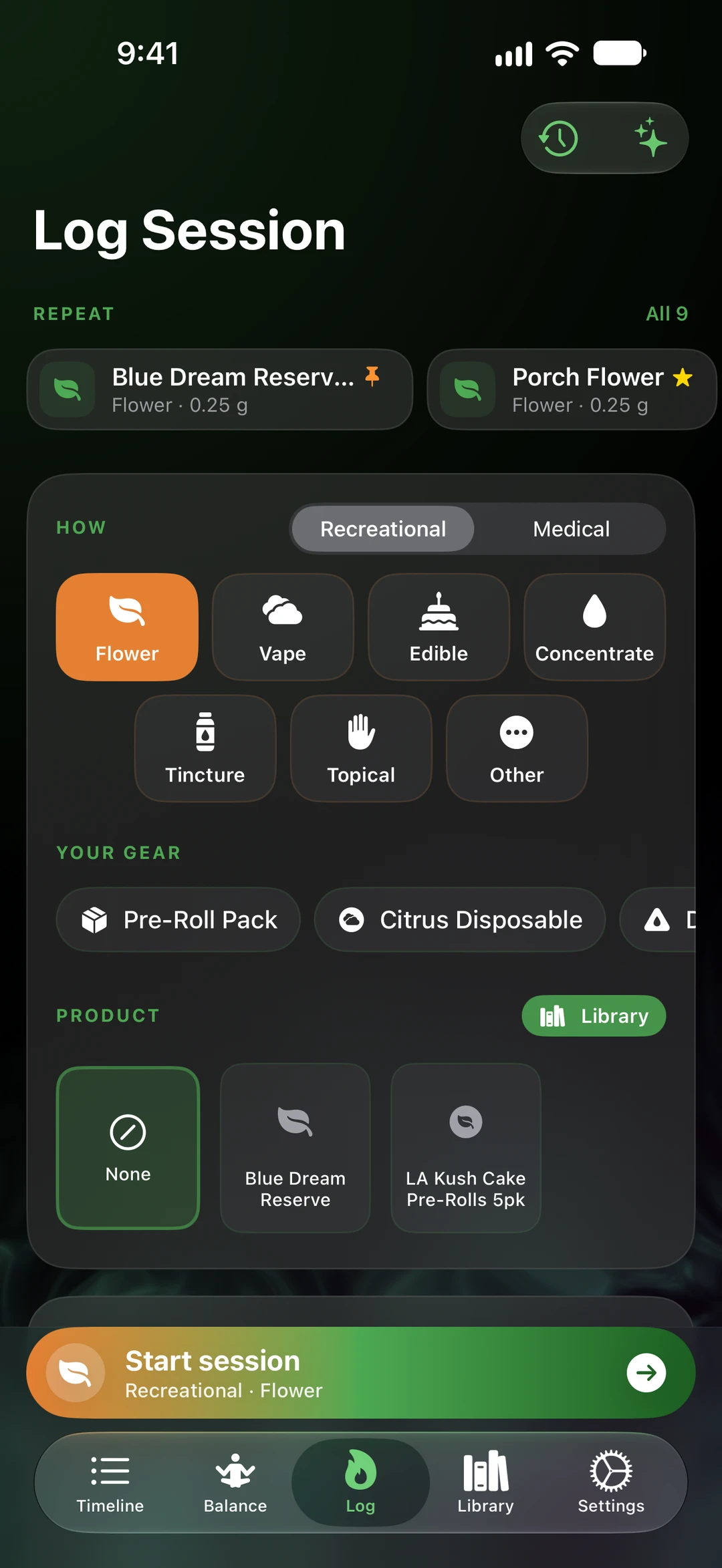
One tap starts a session. Another tap ends it.
A tag can carry its setup, so a session starts the way you like it.
Lock a tag once it’s written so it stays the way you set it.
Use a tag as the trigger for your own automation.
Good to know
NTAG213, NTAG215, and NTAG216 stickers work.
The tag holds its link plus a name, method, mode, device type, and product name. Never sessions or journal entries. Anyone with an NFC reader can read it, so use a name you don’t mind showing.
Without the app, the link opens a short page here that never shows the tag’s identifier.
Ready when you are
Log it. Scan it. See what works for you. On the App Store for iPhone, iPad, and Apple Watch. No account needed.
SeshTime on the App Store, for iPhone, iPad, and Apple Watch.